

How to Report Bugs the SpyParty Way
I just wrote this post for the Bugs subforum on the Early-Access Beta site. I figured you all would be interested in reading it, since you’re all going to be invited into the beta soon.1
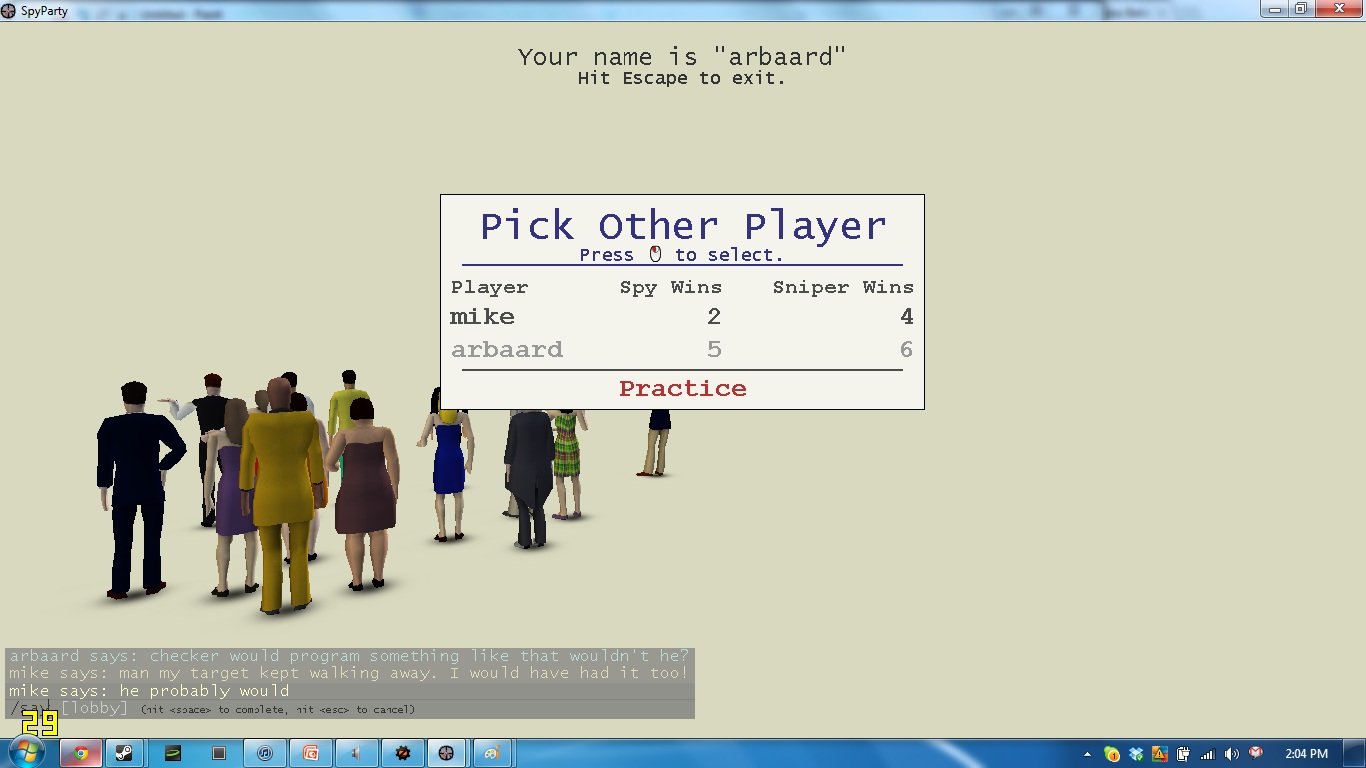
"he probably would"
Finding and reporting bugs is a learnable skill, and you don’t have to be a programmer or even a particularly technical person to do it right, you just have to be methodical and thoughtful. Reporting bugs the Right Way means I can spend more time making SpyParty awesome and less time trying to get a bug to “repro” locally.
What is a “Repro”?
The goal of a bug report is to describe the steps to reproduce the buggy behavior (whether it’s a crash that deletes your entire hard disk or it’s a word that’s not pluralized correctly in the user interface somewhere) well enough that I can step through them on my machine and see the behavior first-hand. A bug that doesn’t repro is very hard to fix, whereas a bug with a “good repro” is usually pretty trivial to fix. It can be the difference between 10 minutes to fix and 10 days to fix, literally. So, when posting a bug report, the key is to do some work on your end to be methodical and give steps to repro the bug as simply and as clearly as you can. It’s basically a recipe to make the buggy behavior happen for you (and me!).
This does not mean you shouldn’t report bugs that don’t always happen the same way or happen infrequently, or that you can’t get a good repro for, but it does mean those bugs will be much harder for me to fix. In other words, it’s more important to report the bug poorly than it is to not report it at all, but a good repro makes a huge difference.
Bug Reporting Steps
I’ll be updating these steps as the beta proceeds, and eventually I’ll switch this part of the forum over to a real bug database, but for now, threads in this forum will have to do. The basic rule is one thread per distinct bug.
- Try to reproduce the buggy behavior on your machine. If you crashed, write down what you were doing right before the crash before you forget it, and then relaunch the game and try to get it to crash again. If you can’t repro the bug, you should still report it with as much description as you can, but as I say above, it’s way easier to fix bugs with good solid repros. The shorter the recipe for the repro, the better. As Einstein said, you want the simplest possible repro, but no simpler. A bug that repros in Practice Mode is easier to debug than one where I have to connect over the network, for example.
- If screenshots look like they’ll help to repro or describe the bug, feel free to take them (you can do it by hitting F5 when the game is running, or use FRAPS or your favorite screenshot tool). If you hit F5, the screenshot is put in your AppData/Local/SpyParty/screenshots directory, which you can get to by going to the Start menu and typing “%LOCALAPPDATA%\SpyParty\screenshots” into the little edit box, and hitting return. I’ve enabled attachments in the forums, so please attach the images to your bug report (as opposed to using a 3rd party image service, which might delete the images after a while).
- Make sure you have the latest SpyParty build. The easiest way to do this is to launch the game and hit “Play” on the main menu, which will try to take you to the lobby. The lobby will update your build if you’re out-of-date. If you update, try your repro steps again to make sure they still work.
- Search this subforum for similar bugs. If you find the same bug, then read the thread on that bug, and see if there is a workaround, or if I think I’ve fixed it in an update, etc. If I think I’ve fixed it in that thread I will mark the subject with ” – FIXED”, and I really want to know if you have the same bug again! This is called a “regression” and it means I’m a bad programmer!
- If you find the exact bug, feel free to add more information at the end of the thread. I will try to add a “vote for posts” feature so you can simply say “me too”, but until then, feel free to add a post if there aren’t already a bunch of others doing the same, or if you have additional information or slight modifications or a simpler repro that might help debug the problem.
- If you don’t find an exact match in the current bugs, but do find bugs that seem related, keep the links to those threads so you can insert them into your bug report. A real bug database allows you to reference other bugs, so this is our ghetto version of that feature.
- Create a new thread in the bugs forum if your bug is a new one. Use a descriptive thread title. “Game buggy” is a bad one. “Main Menu text disappears after window maximized” is a good one. I might change the title after we’ve discussed the bug a bit, but starting off with something descriptive will help.
- At the top of the post, describe the end state of the bug, meaning what’s wrong, like “the game crashes”, “the statues are floating in mid-air”, or whatever. Describe what you expected to happen, and what happened instead. Attach an image showing the bug, if appropriate.
- Then put your repro recipe in the post, written as clearly and as simply as possible. You can use the bbcode list tags, or just write it out, either works. Attach any more images you have to show how to repro the bug, but you don’t have to go crazy (saying “hit Play on the main menu” is fine, you don’t need to screenshot the main menu, take it into Photoshop and add an arrow with “click here” text unless the exact place to click matters to repro the bug, for example).
- SpyParty writes out a log file every time it runs. You can find these log files in the “logs” directory (“%LOCALAPPDATA%\SpyParty\logs”). The file name for the log files has the date and time of the playtest session start (e.g. SpyParty-20120412-11-54-49.log). Attach the log file that goes with you reproing the bug with the steps you’ve posted. Similarly, if your game crashed but said it could not upload the crash dump, then attach the correctly dated dmp file from the logs directory. Otherwise, SpyPartyHelper uploaded the dmp file to my server so I can access it, but mention this in the bug report.
- If there’s private information you need to send with the bug report, mention this in the report itself, and then send mail to support at spyparty.com.
- If you want to attach a really big file, say over 2MB, please mention this and I’ll figure out a place for you to put it, please don’t mail giant files to support at spyparty.com.
That’s it for now! Feel free to reply to this post with suggestions of how to improve the bug reporting process and I’ll edit this post.
Eventually I will add a way to report bugs from inside the game that will take a screenshot and everything automatically. Won’t that be nice?
- for a suitable definition of “soon” [↩]


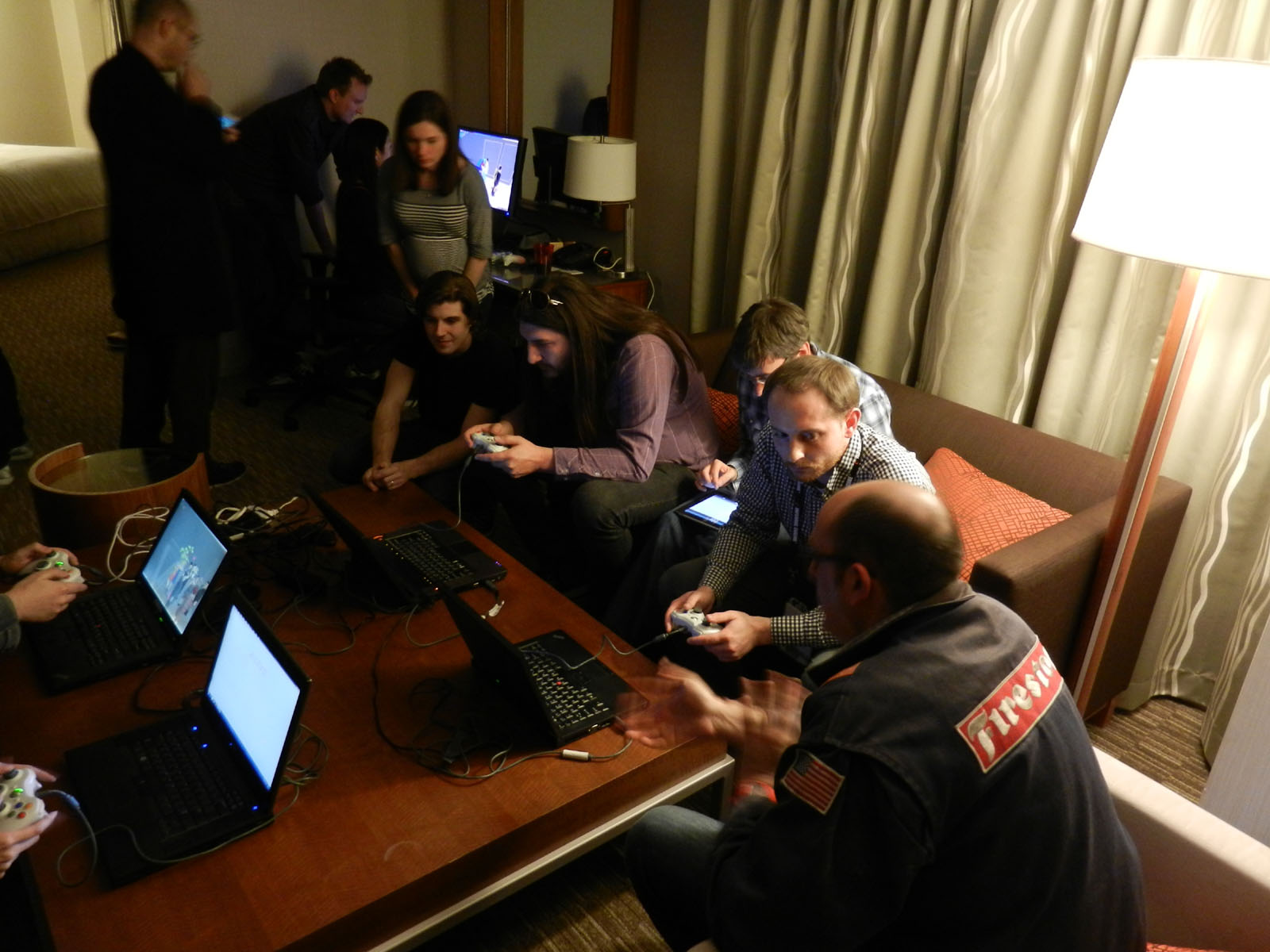
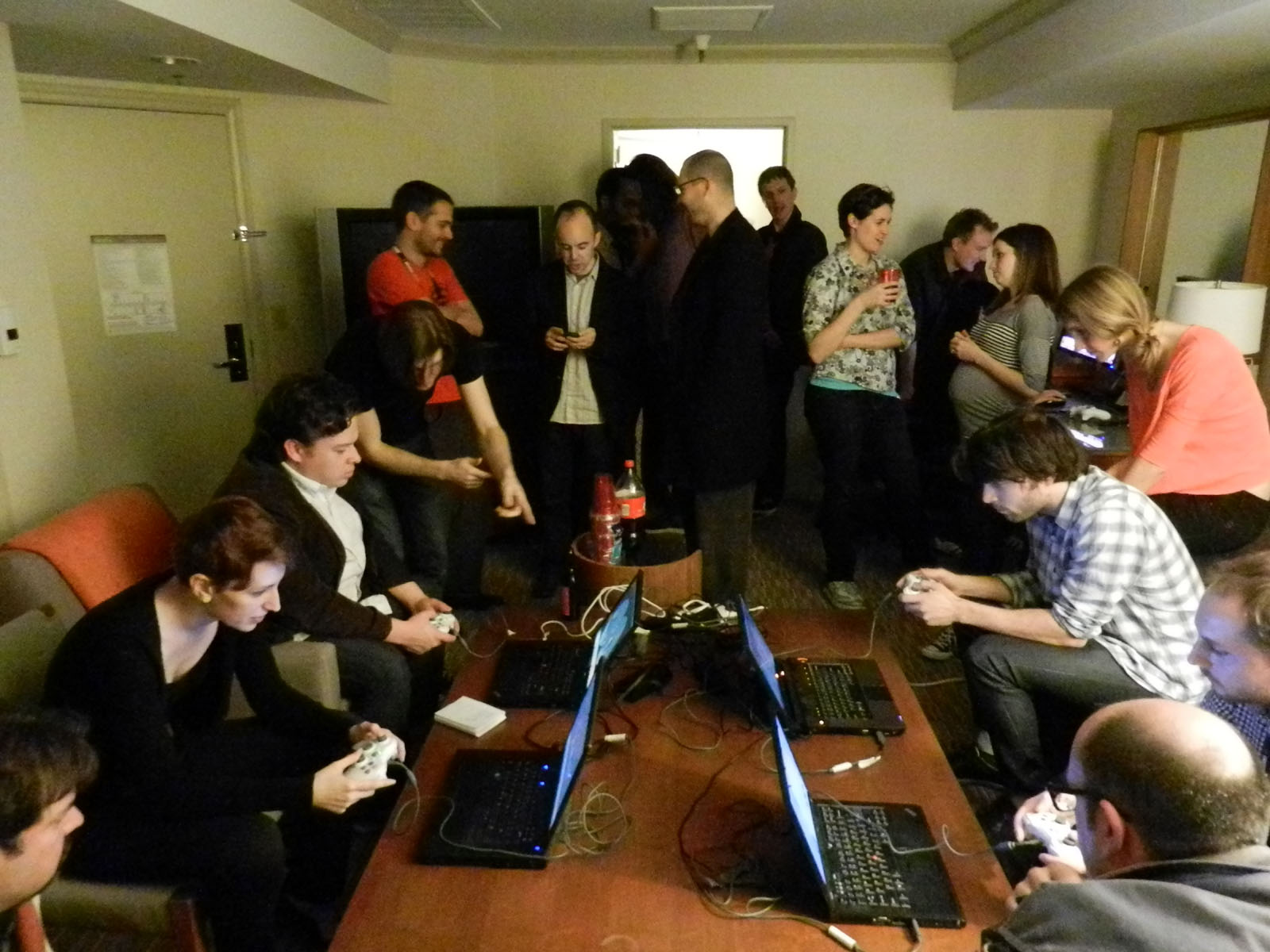
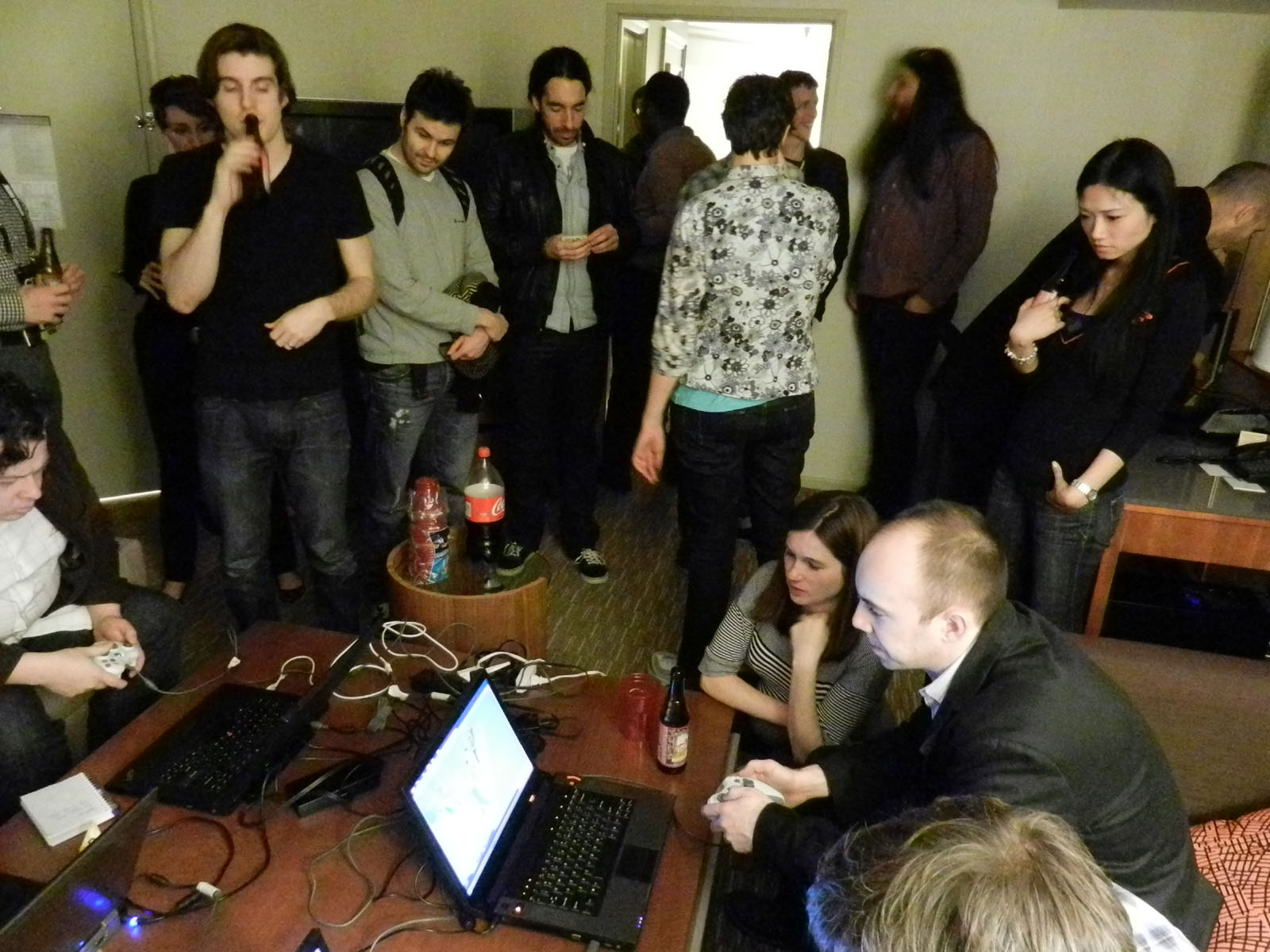





 Last Thursday we did a small playtest, the


